





AI studio for films, ads and design
You imagine it.Sumi makes it.

Script, visuals, shots and the final cut for ads, brands, films and animation, all on one canvas. Every leading model, one account.
Also works inside Claude, ChatGPT and Cursor through MCP

Partners
- NVIDIA
- Antler
- Google Cloud
- OpenAI
- Anthropic
- Alibaba Cloud
- Tencent Cloud
- Baidu AI Cloud
- ByteDance
- Kling AI
- MiniMax
- Vidu
- PixVerse
- xAI
- Black Forest Labs
- Qwen
From idea to final cut
Four steps, each one on the canvas where you can see it and change it.
Say the idea, get the script
Describe it in a sentence. Sumi turns it into a scene-by-scene script, and nothing generates until you confirm.
Frames and shots together
Leading models make the storyboard frames, characters and shots. Rerun any one you don't like.
Cut it on the timeline
Stitch shots on a multi-track timeline and add captions, transitions and music.
Landscape or vertical
Export in the aspect ratio your platform needs, or send it back to the canvas to keep editing.


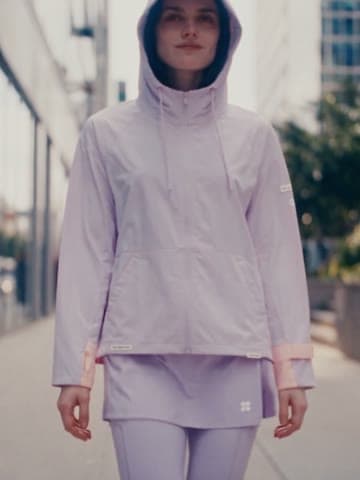





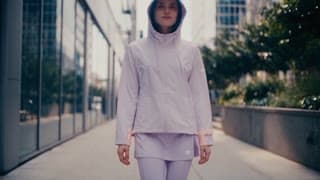

Create your way
Chat with Sumi, build on the canvas yourself, or call it from the AI app you already use. Everything you make lands in the same asset library.
Chat with Sumi
Say what you want. It plans, generates and edits.
Talk to Sumi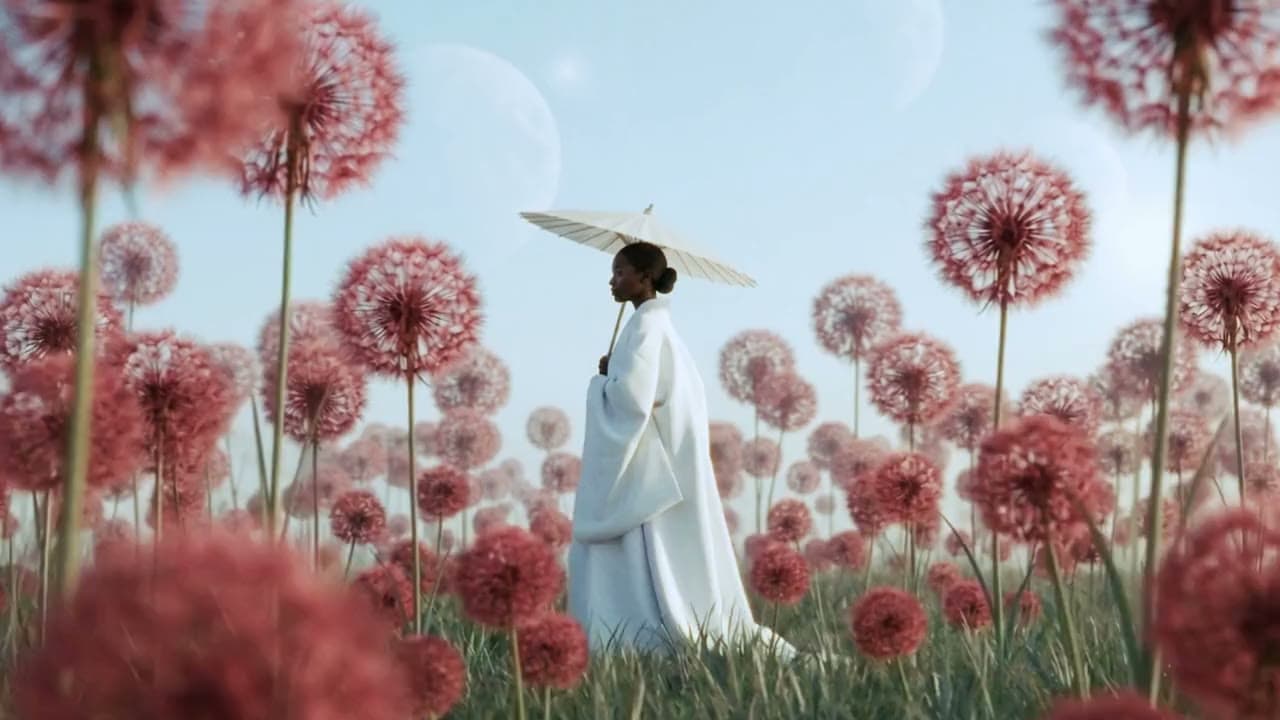


Canvas
Wire nodes into your own flow and rerun any step.
Try the canvas

Drag a node, or focus it and use the arrow keys
MCP
Call it from Claude, ChatGPT or Cursor.
See setup steps



What you can make
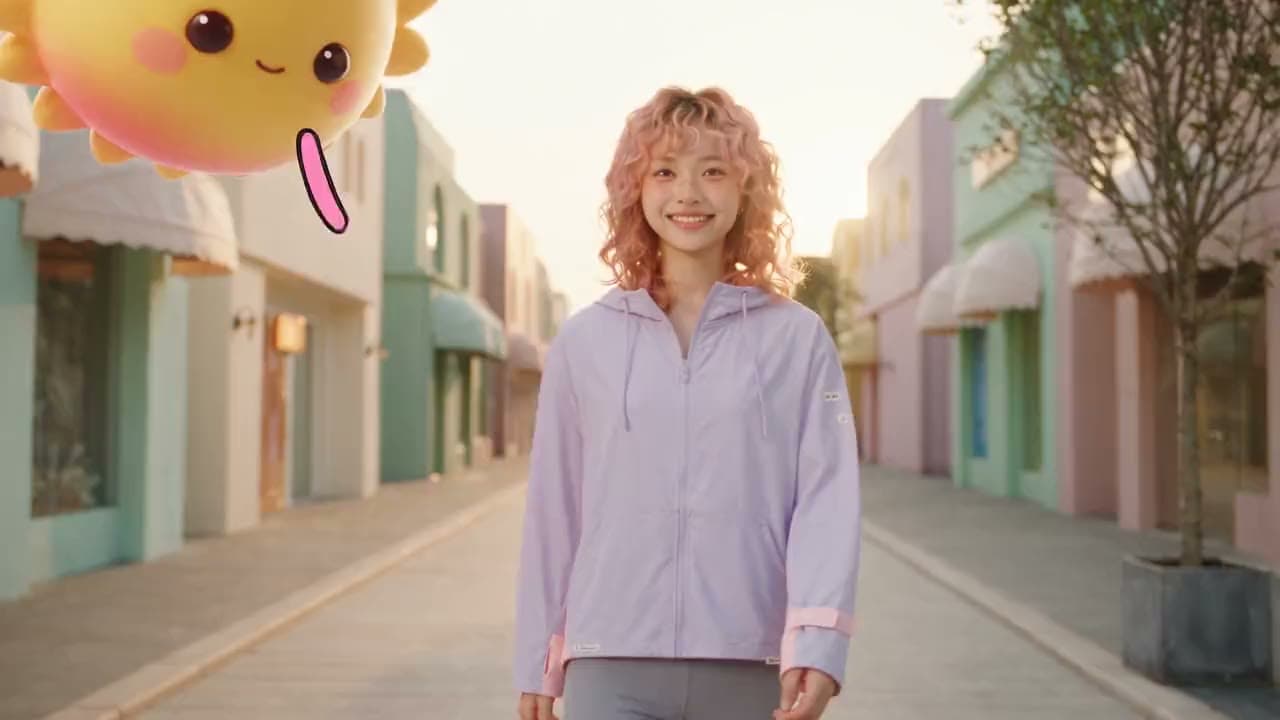
Ads, brands, films, game trailers, animation and motion design, with every step from input to result in view.
Product ads
One product photo, a whole campaignDrop in a product photo, see it in different scenes, then turn your favorite into an ad.Try it Brand design
A whole brand from one logoThe mascot, packaging and promo film are all generated with the logo as the reference.Try it Short films
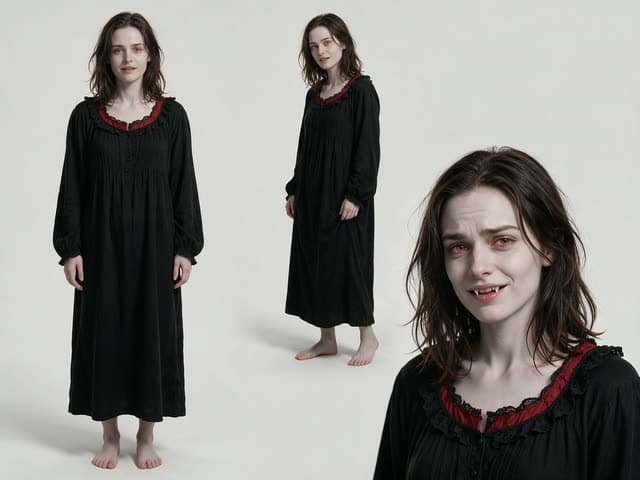
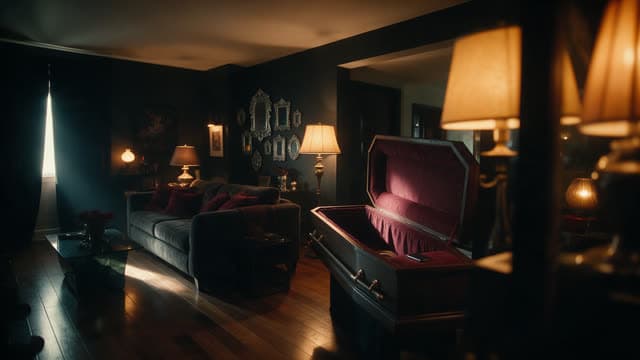
Cast and set first, then the shotsLock in the characters and locations, and every shot is generated from them.Try it Game trailers
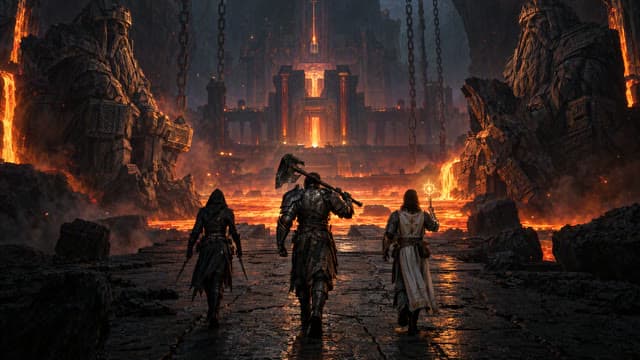
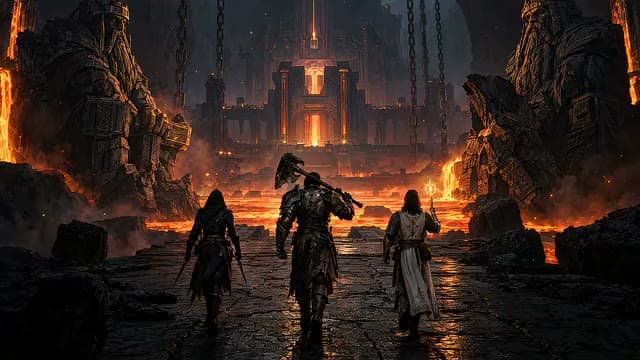
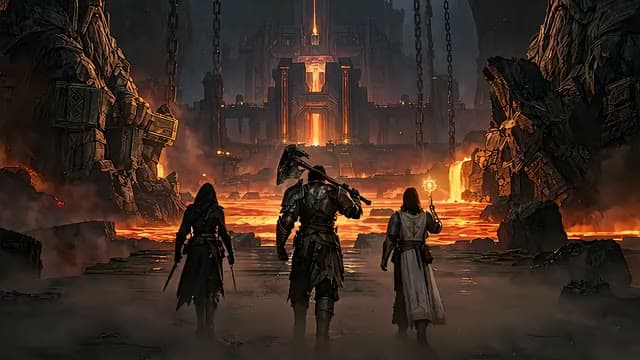
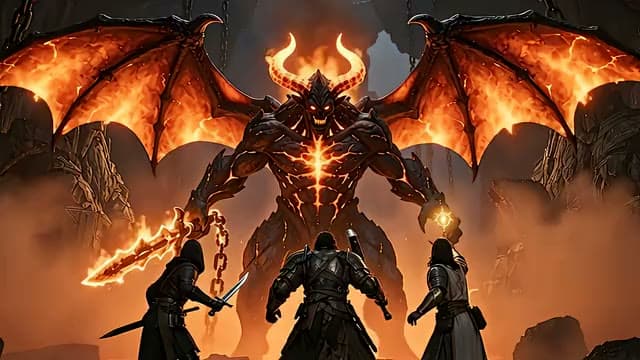
One keyframe, a whole battleEach shot starts from the last frame of the one before, so the party, the lava and the light carry through.Try it Animated series
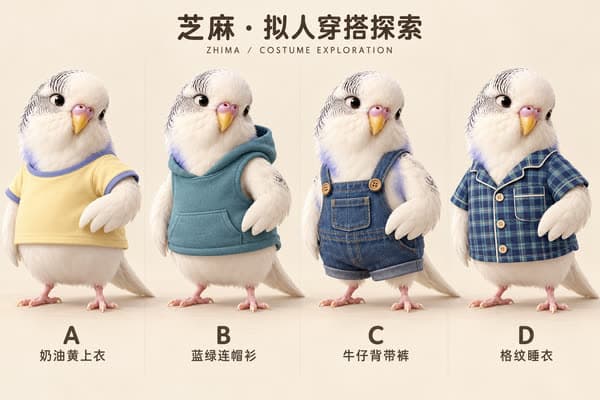
Design characters once, use them every episodeCharacter and outfit sheets connect to every episode, so each one is generated from the same designs.Try it Motion design
Two keyframes, in motionGenerate the motion between a first and last frame for openers, animated posters and social clips.Try it












Every leading model, one account
Pick image, video, audio and language models by maker. You see the credits needed before you confirm.
Google
- GeminiLanguage
- VeoVideo
- Gemini OmniVideo
- Nano BananaImage
ByteDance
- SeedanceVideo
- SeedreamImage
- SeedLanguage
- Seed SpeechAudio · Language
- AI MediaKitVideo

Kling AI
- KlingVideo · Audio
- Kling ImageImage

Alibaba
- QwenAudio · Language
- WanVideo · Image
- Qwen-ImageImage
- WanxImage
- CosyVoiceAudio
- Z-ImageImage
- Fun MusicAudio

OpenAI
- GPT-ImageImage
- GPTLanguage

xAI
- GrokLanguage
- Grok ImagineVideo · Image

MiniMax
- HaiLuoVideo · Language
- MiniMaxAudio · Language

Vidu
- ViduVideo · Image · Language

PixVerse
- PixVerseVideo
More makers
- Black Forest Labs
- HappyHorse
- Suno
- Anthropic
- DeepSeek
- Moonshot AI
- Zhipu AI
About us
Sumi Studio is an infinite canvas for AI creation. Scripts, images, video, audio and editing live together, and Sumi does the work for you, so anyone with an idea can make it real.
Startup programs we're part of


Questions
The things people ask most about Sumi Studio and Sumi.
All billing questions on the pricing page →What is Sumi?
Sumi is the film-making agent built into Sumi Studio. Tell it your idea and it proposes a plan first; once you confirm, it sets up the project, writes the script, lays out the canvas, generates the assets and cuts the film. Every step stays visible, and you can stop at any point and edit by hand.
Can I use Sumi Studio from Claude, ChatGPT or Cursor?
Yes. Sumi Studio runs a remote MCP server: add it to the AI app you already use and sign in once, and you can generate images, video and audio and manage assets and canvases from there. The Connect an agent page has the steps for each app.
How does pricing work?
Sumi Studio bills in credits, and the credit cost is shown before every generation. Credits come with a subscription plan, and you can also buy credit packs; see the pricing page for prices.
Can other people see my work?
Your work is private by default, and only you can see it. You can publish it to the community or create a share link when you want others to see it.
Which languages are supported?
The interface comes in 15 languages: Simplified Chinese, Traditional Chinese, English, Japanese, Korean, French, German, Spanish, Portuguese, Italian, Russian, Ukrainian, Indonesian, Vietnamese and Thai. What you type and your work titles stay as written.
Do I need the canvas just to make one image or video?
No. On the Instant pages you upload, write one line and get a result. When you need a fuller workflow, hand it to Sumi or build it on the canvas.
Can a team use it together?
Yes. Once you create a team, members share projects and assets in team projects, and generation in a team project is billed to the team.