

Product
Every model, on one canvas
Scripts, images, video and audio are nodes on an infinite canvas. Connect them, rerun any step, and keep the whole project in one place.
Made with Sumi Studio

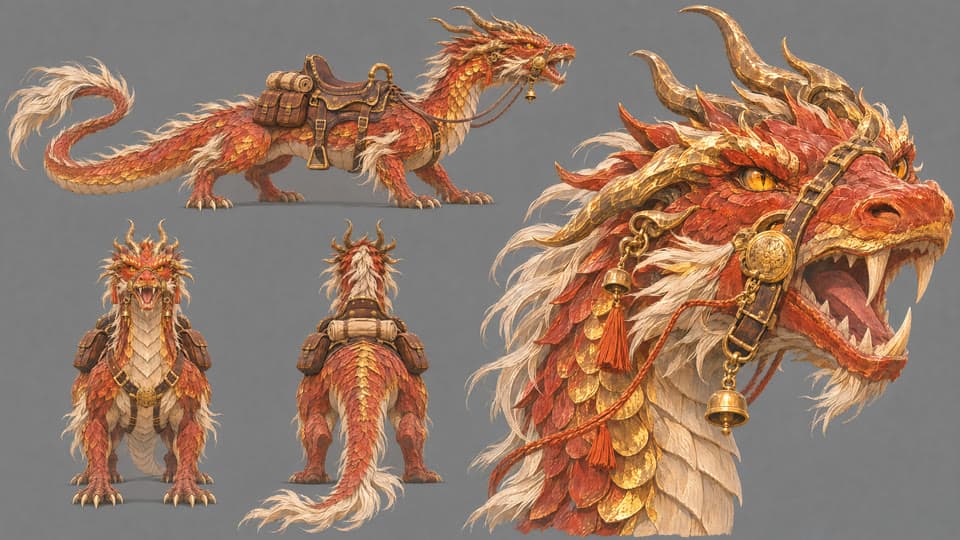



Drag a node, or focus it and use the arrow keys
What the canvas gives you
Nodes for every medium
Text, image, video, audio and voice nodes share one canvas, so a script can feed a frame and a frame can feed a shot.
Connections carry references
Link a character, product or style into the nodes that need it, and each result is generated from the same source.
Rerun one step, keep the rest
Change the prompt or the model on one node and regenerate it without touching the work around it.
Video with control
Text-to-video, image-to-video, first and last frame, reference video, and extend or edit passes, each as its own node.
Editing tools on the node
Tools such as background removal and relight sit on the image, where the model supports them.
Share and work together
Send a share link, or open the project to your team and edit the same canvas.




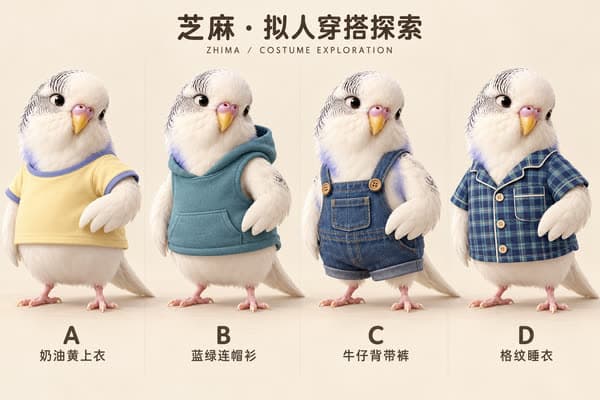
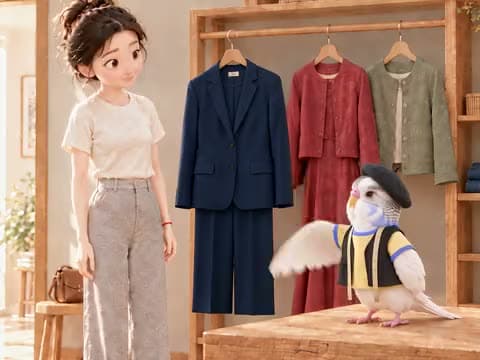
A canvas in three moves
Drop in what you have
A product photo, a logo, a character sheet or a line of script.
Add and connect nodes
Pick a model for each node and draw a line from the input it should use.
Run and refine
See the credit cost, run the nodes, and rerun the ones you want to change.

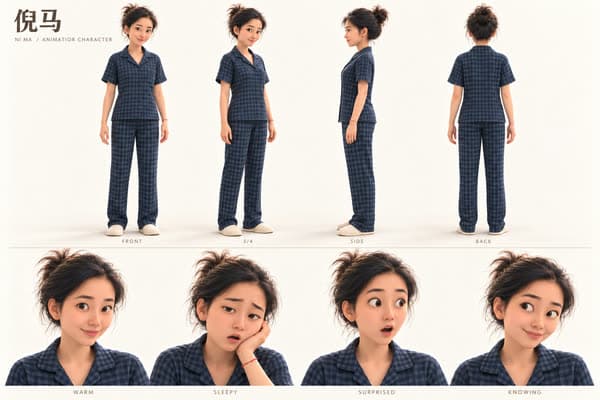

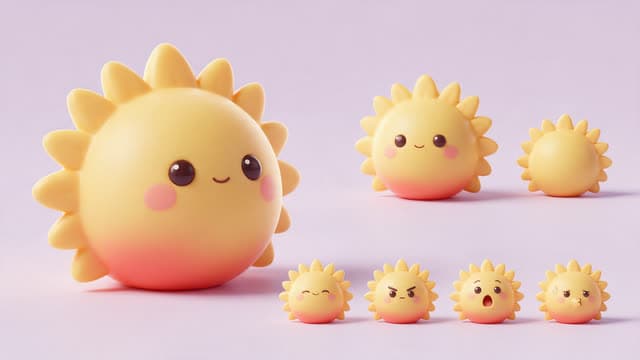

Made with Sumi Studio
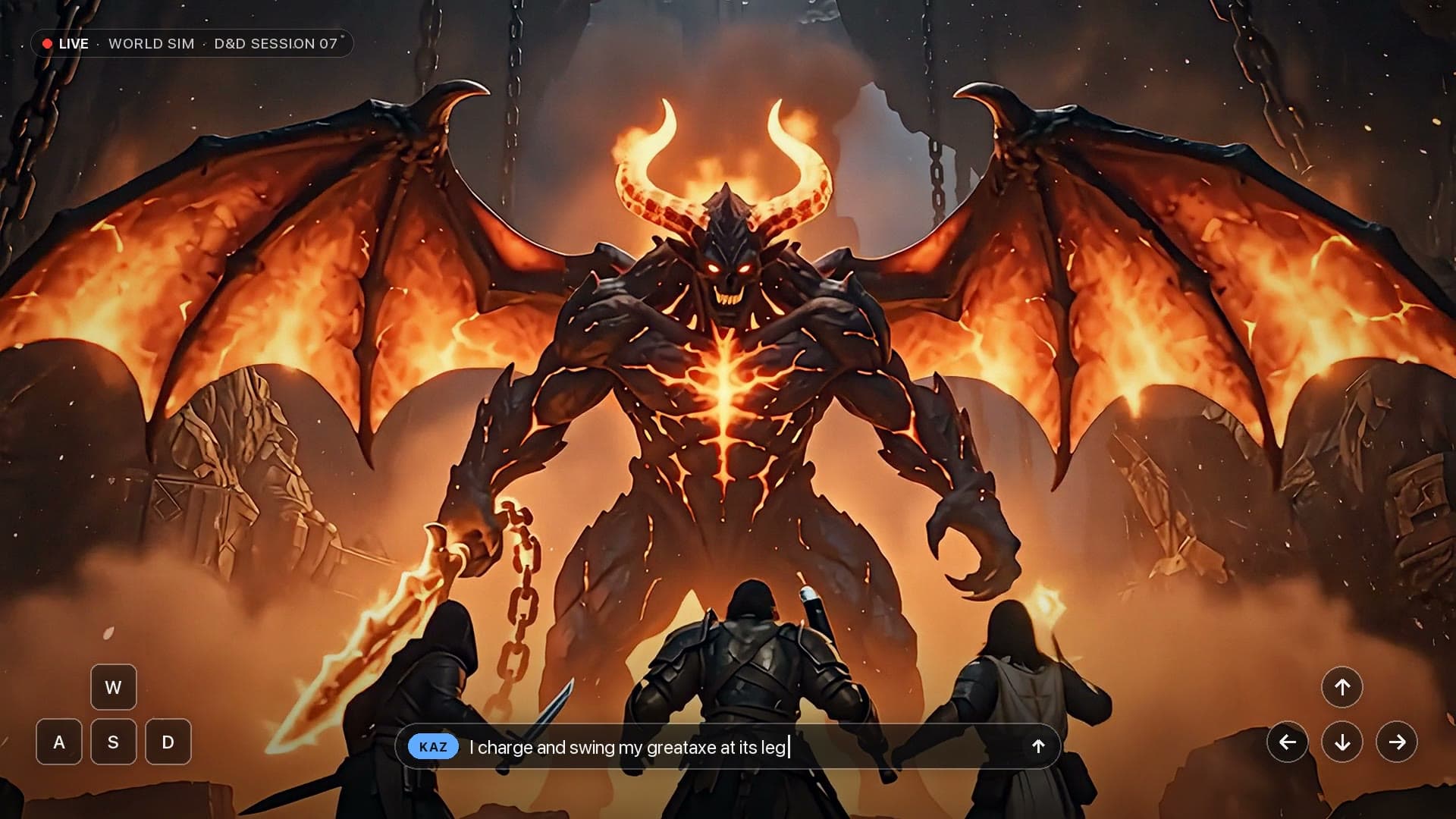
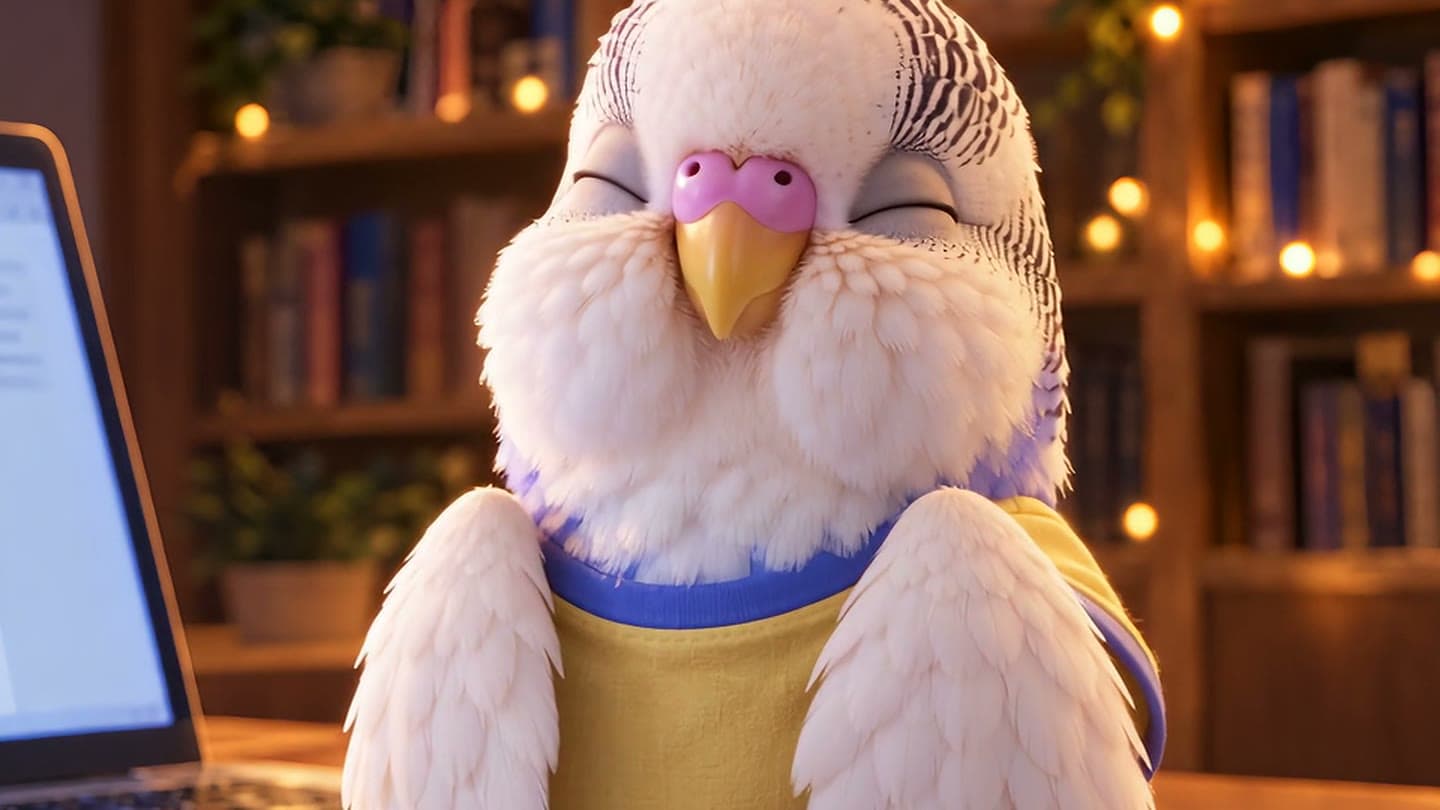
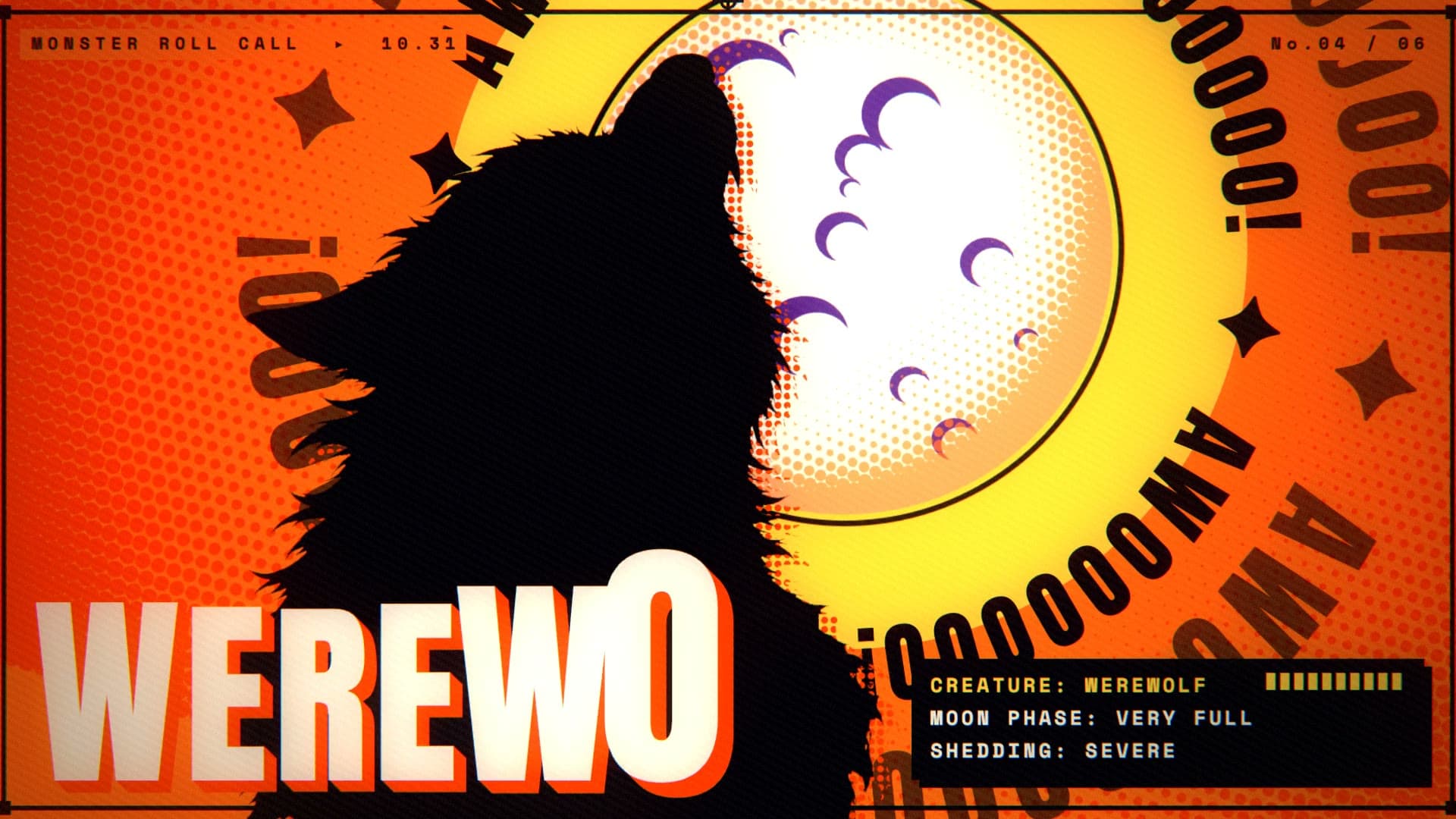
Ads, short films, trailers and animated episodes, each taken from idea to final cut here.
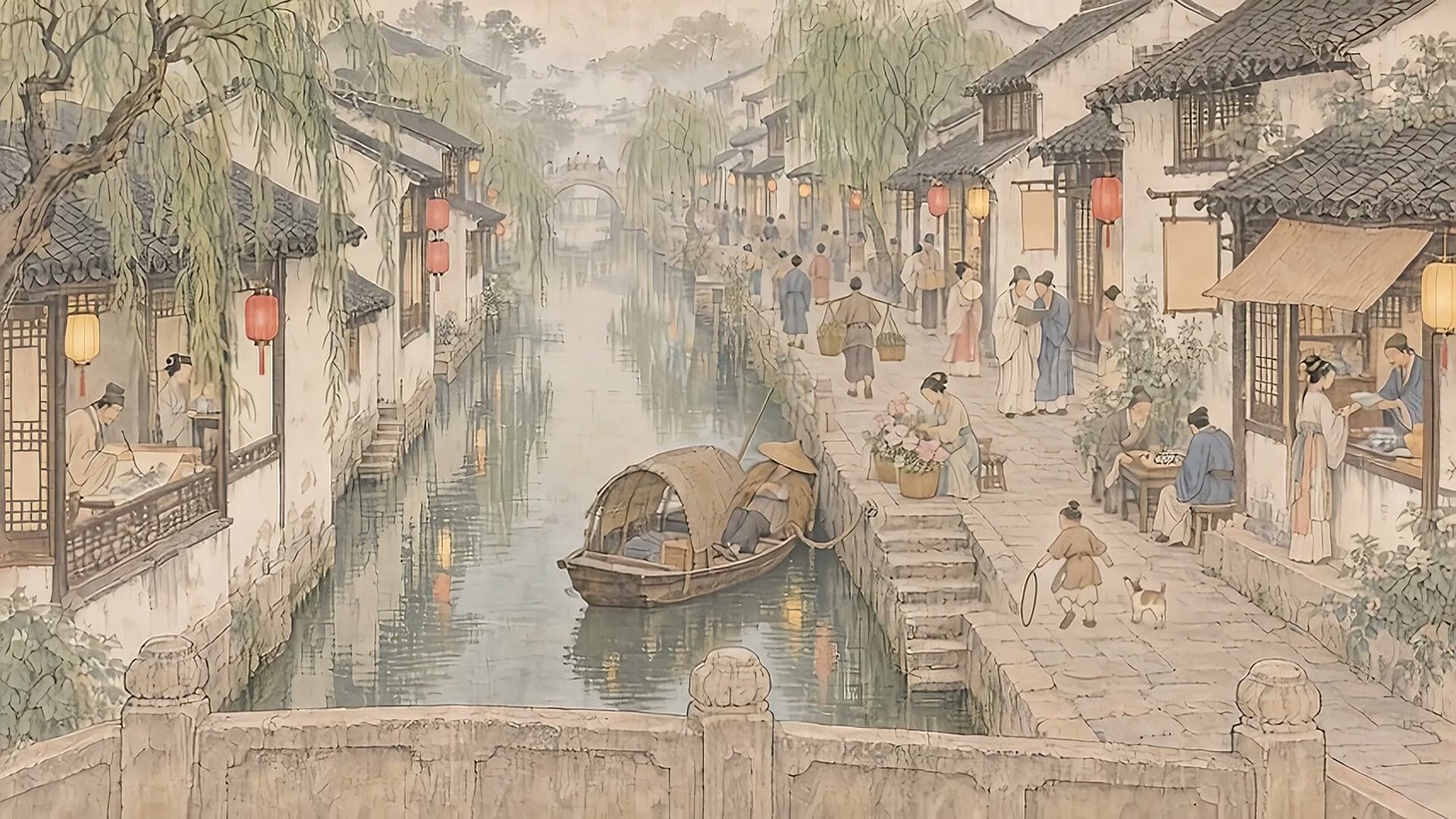
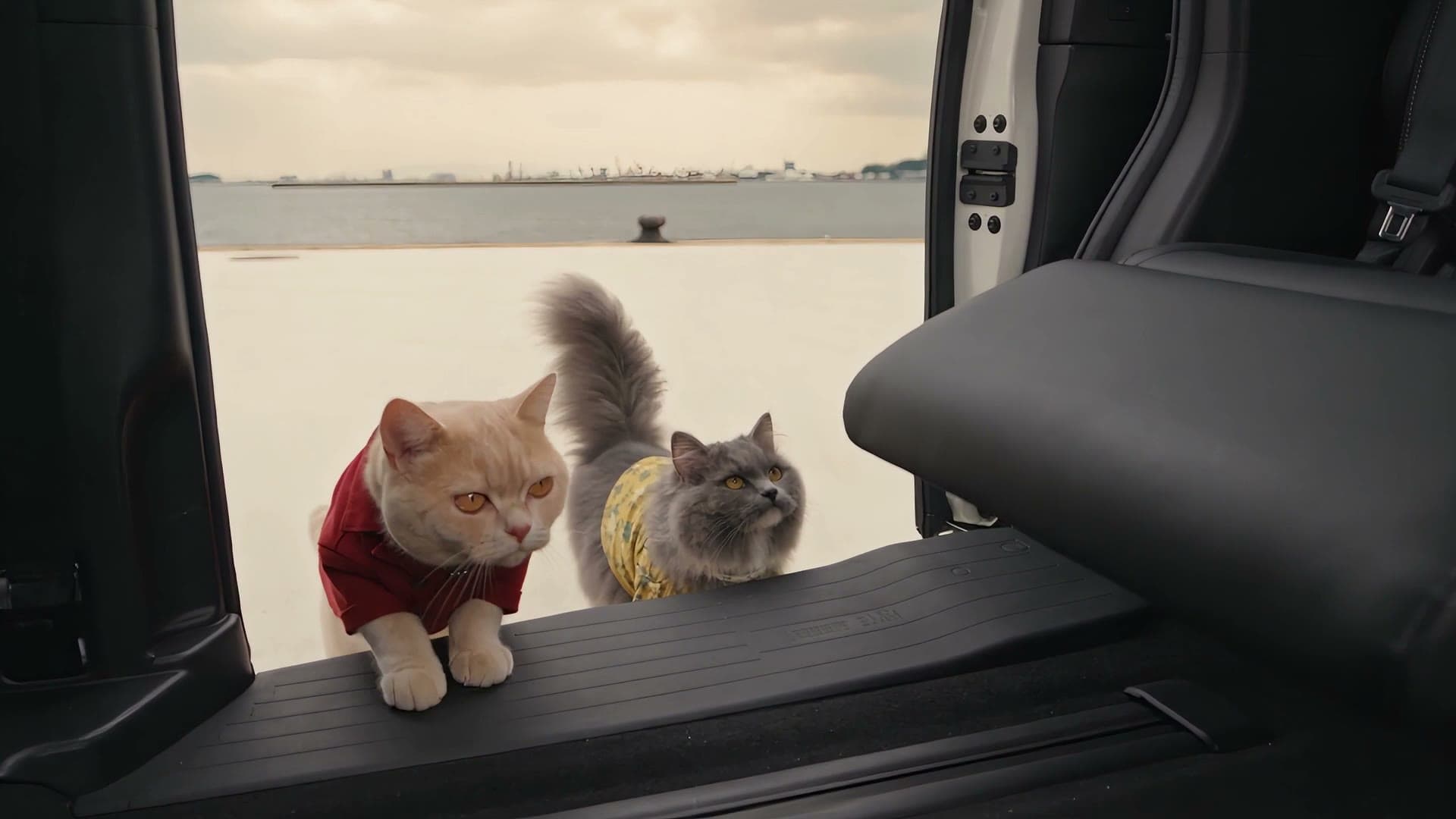


Questions
Short answers before you start.
Which models can I use on the canvas?
The image, video, audio and language models listed on the home page, all on one account. The credit cost is shown before every generation.
Do I have to build the canvas by hand?
No. Ask Sumi to lay out the canvas for you, then change any node yourself.
Can a team work on the same canvas?
Yes. Team projects are shared with members, and generations in them draw on the team's credit pool.