
Solutions
Key art, characters and trailers in one place
Turn a keyframe into a sequence of shots, explore character and world concepts, and cut a trailer for the store page.
Made with Sumi Studio
For teams with a world to show
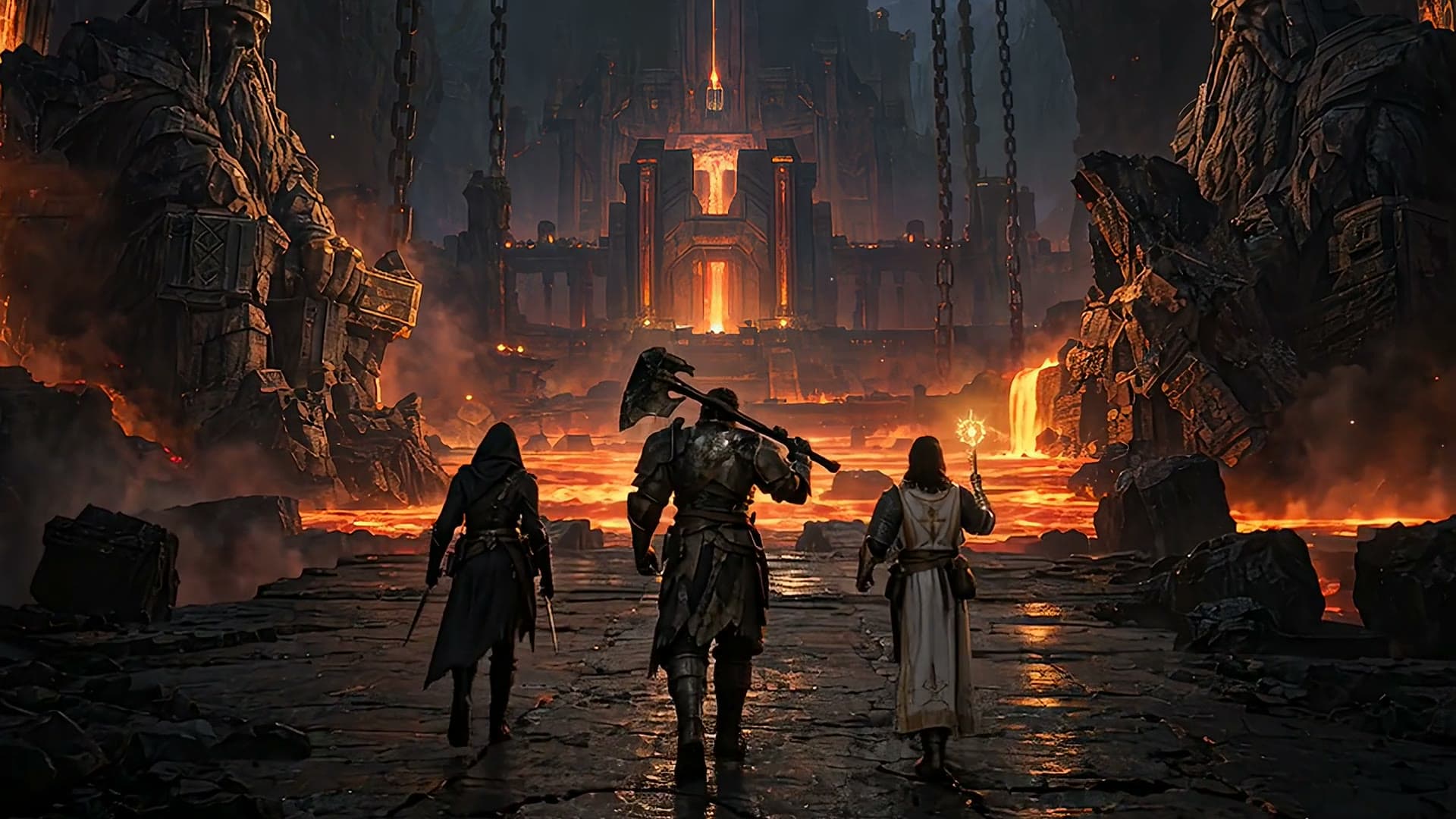
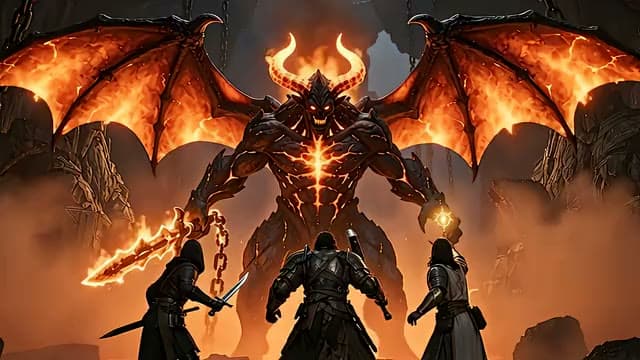
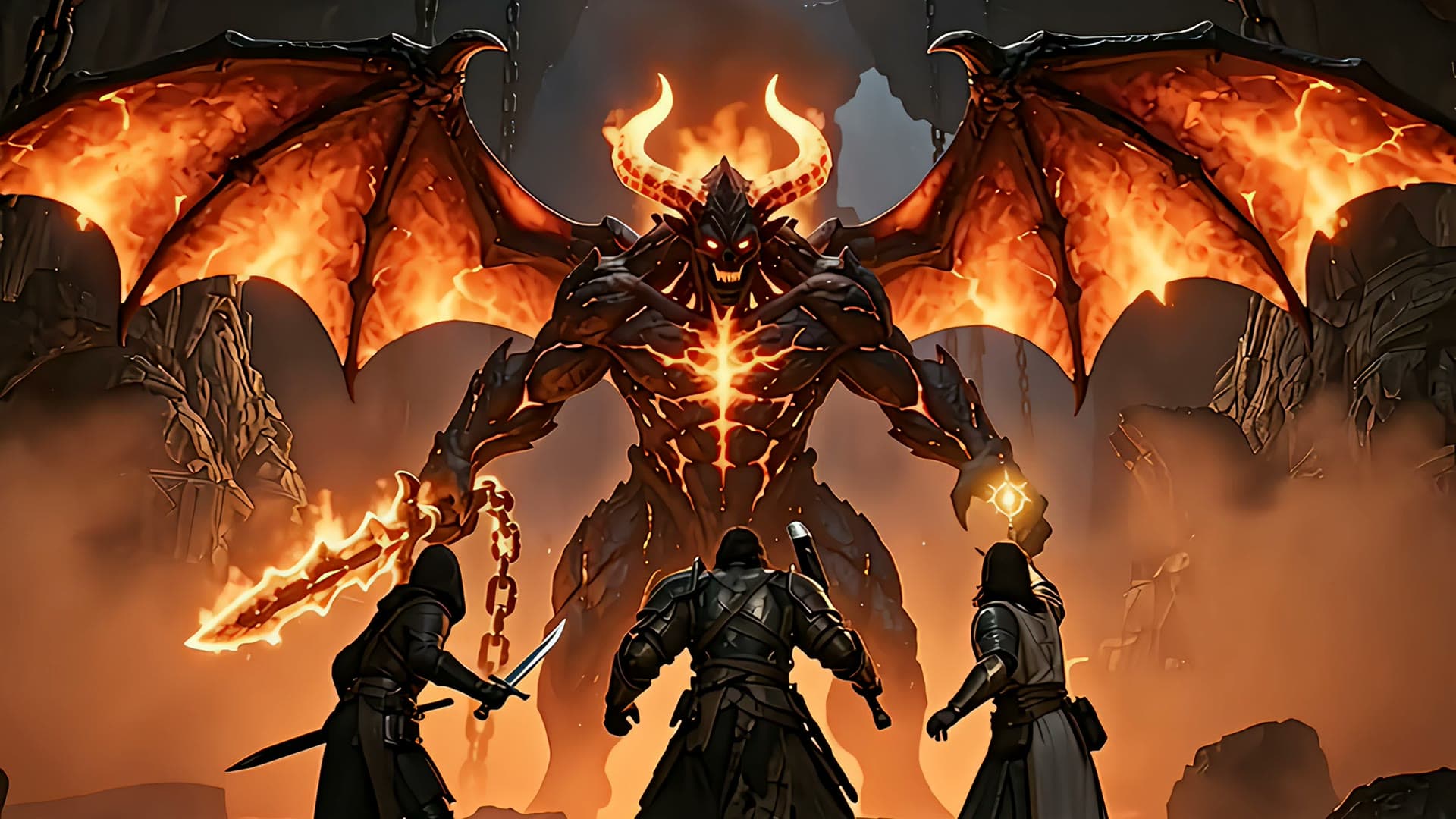
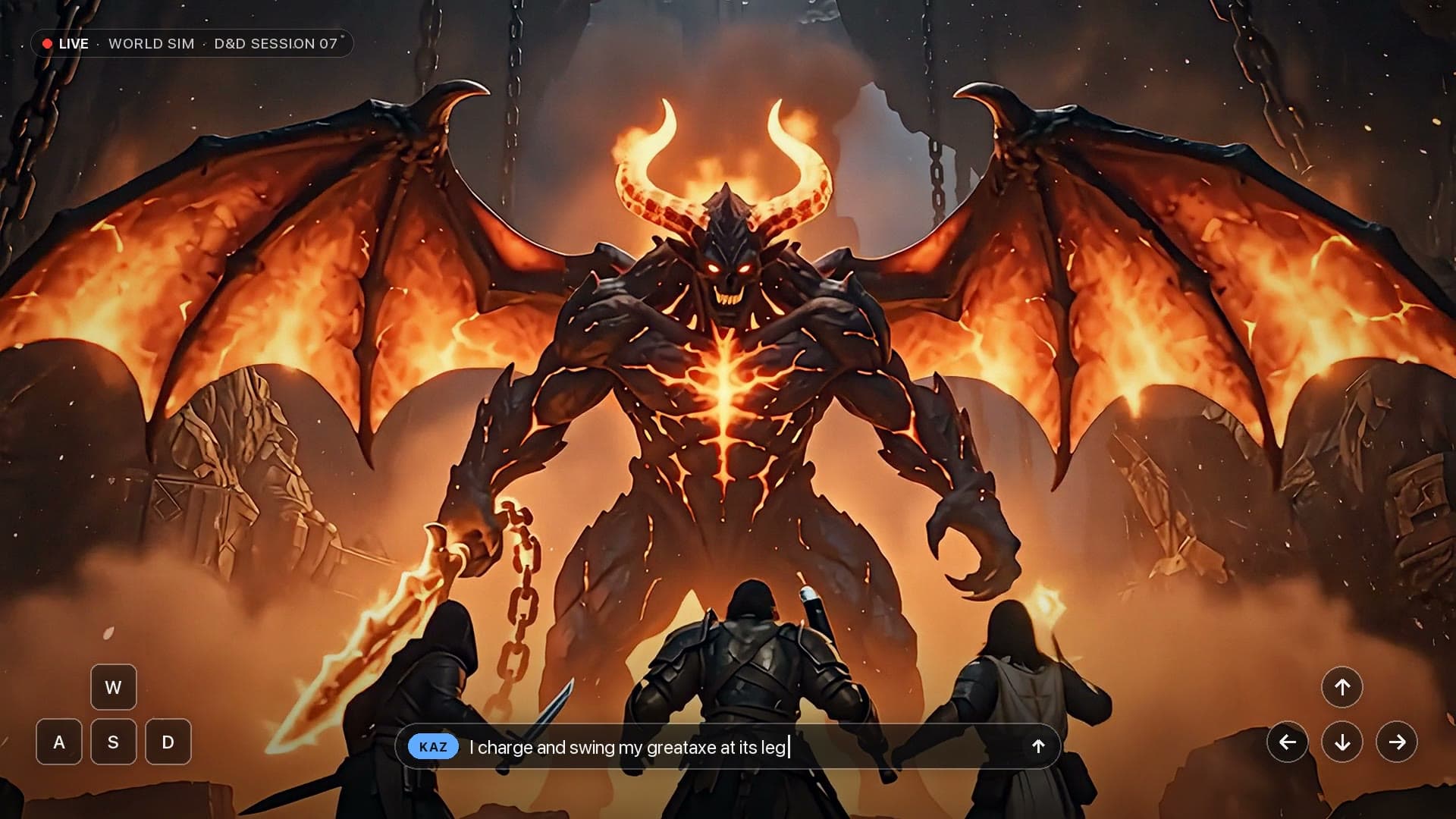
One keyframe, a whole sequence
Each shot can start from the last frame of the one before, so the party, the setting and the light carry through.
Concepts side by side
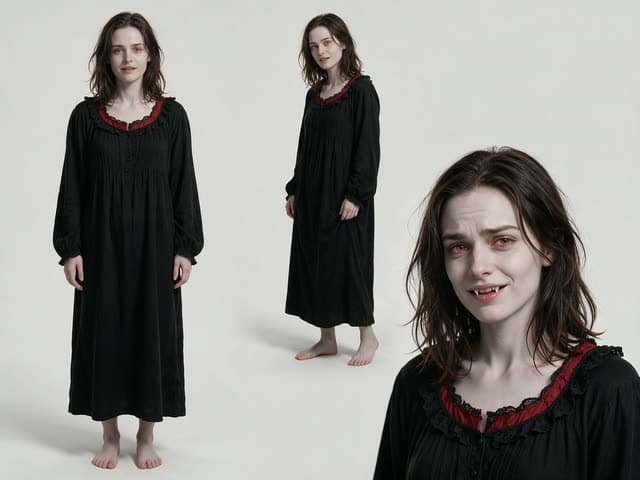
Explore characters, outfits and environments as image nodes, and keep the ones you pick as references.
A trailer you can cut today
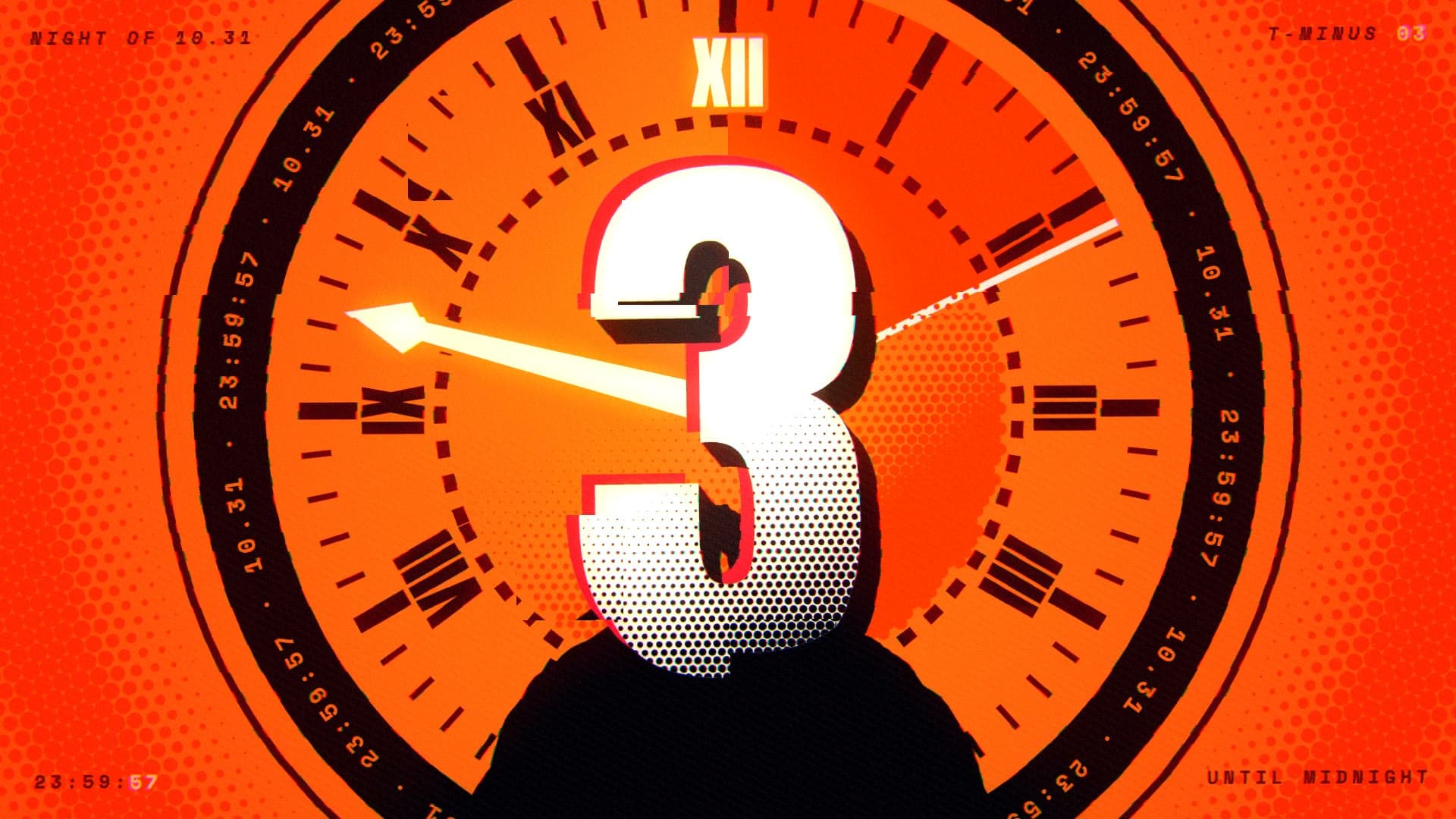
Line up the shots on the timeline, add music and captions, and export for the store page or social.
What teams make
Each one is a workflow you can open and run with your own inputs.

Three ways to work
Talk to Sumi, build on the canvas yourself, or finish on the timeline. Everything lands in the same project.


Made with Sumi Studio
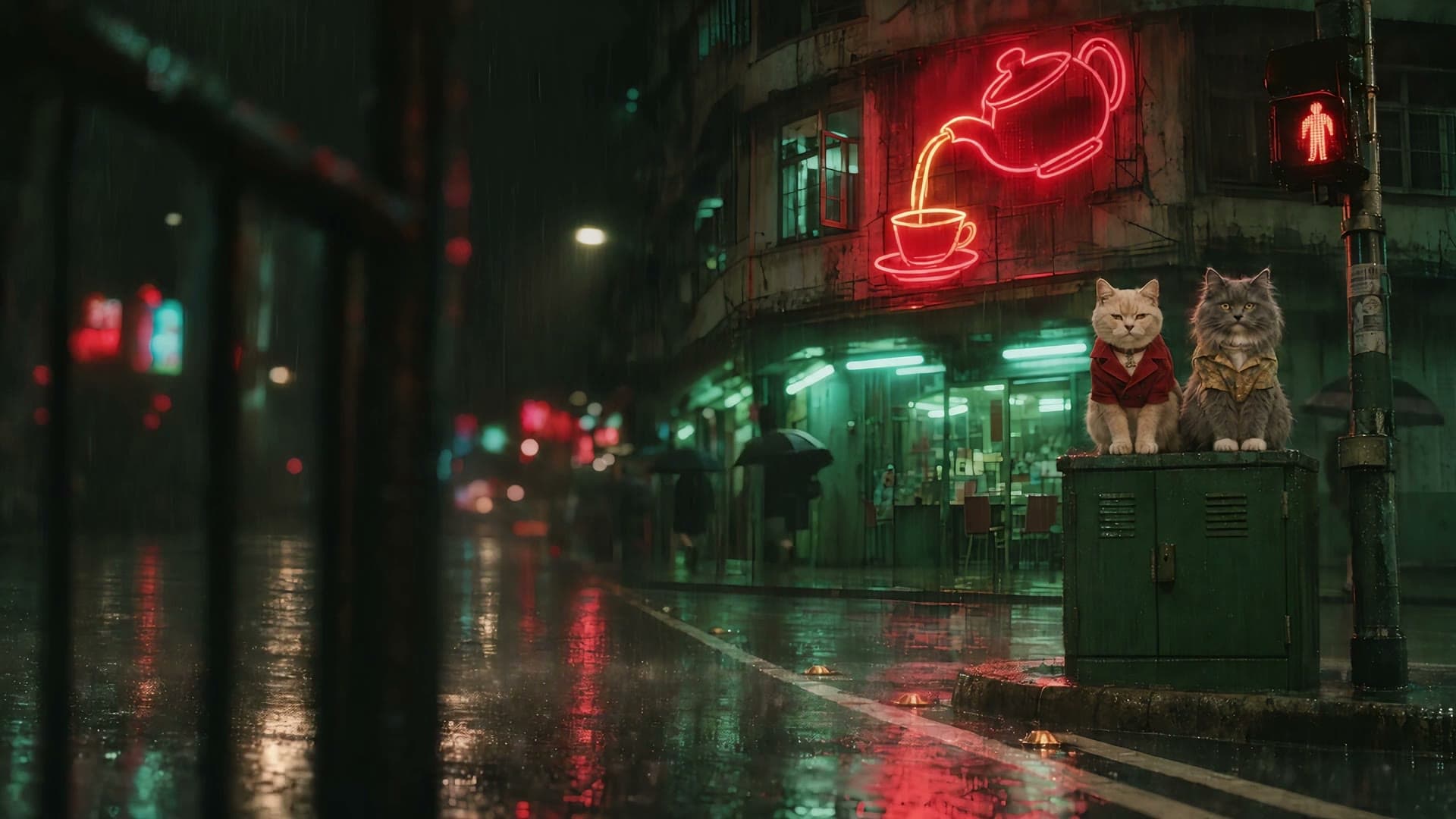
Ads, short films, trailers and animated episodes, each taken from idea to final cut here.
Questions
Short answers before you start.
Can I start from our own concept art?
Yes. Upload it and use it as the first frame of a shot or as a reference.
Can a shot continue from the previous one?
Yes. Use the last frame of one shot as the first frame of the next.
Is the output only video?
No. Image nodes make key art, character sheets and promotional stills alongside the video.