


Solutions
Every product, ready to sell
Turn one product photo into scene shots, ad films and a brand look you can repeat across every listing and channel.
Made with Sumi Studio
For stores that launch often
One photo in, a campaign out
Drop in a product photo, see it in different scenes, and turn the best one into an ad film on the same canvas.
The same look on every listing
Keep the product, logo and style as references, and each new image and video is generated from them.
New scenes when you need them
Make seasonal scenes, new colorways and channel formats without booking a studio for each one.
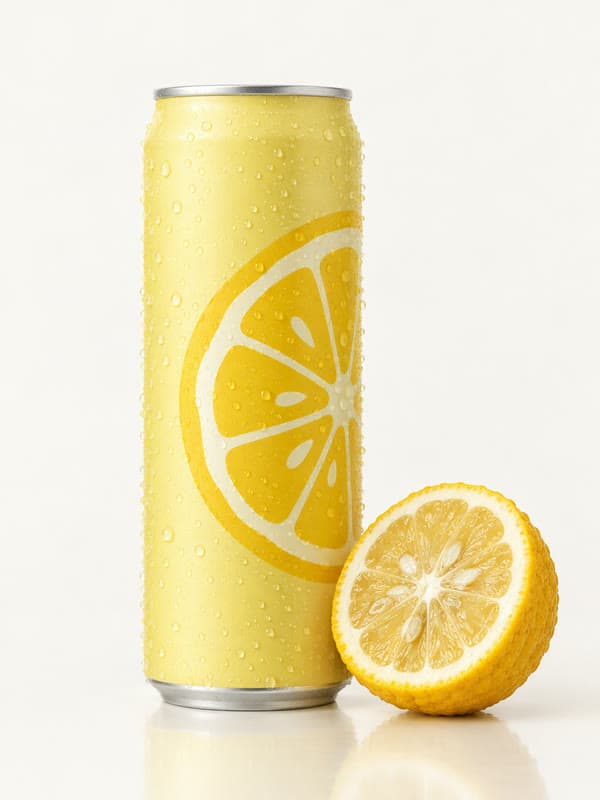

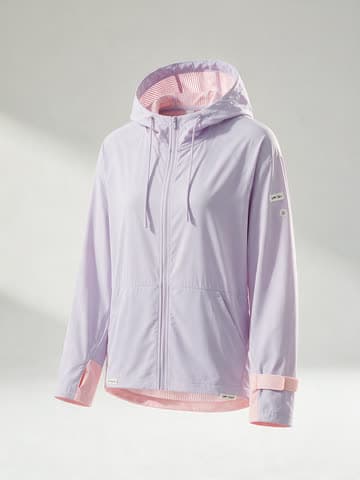





What teams make
Each one is a workflow you can open and run with your own inputs.

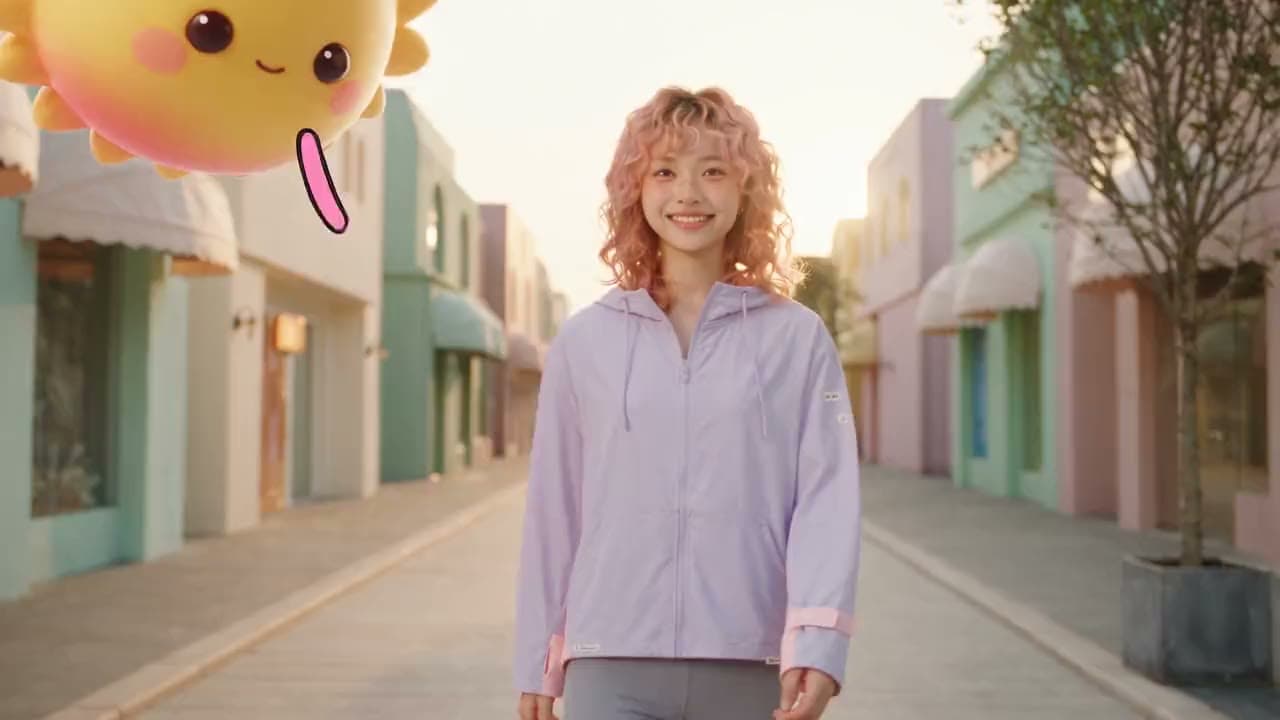

Three ways to work
Talk to Sumi, build on the canvas yourself, or finish on the timeline. Everything lands in the same project.


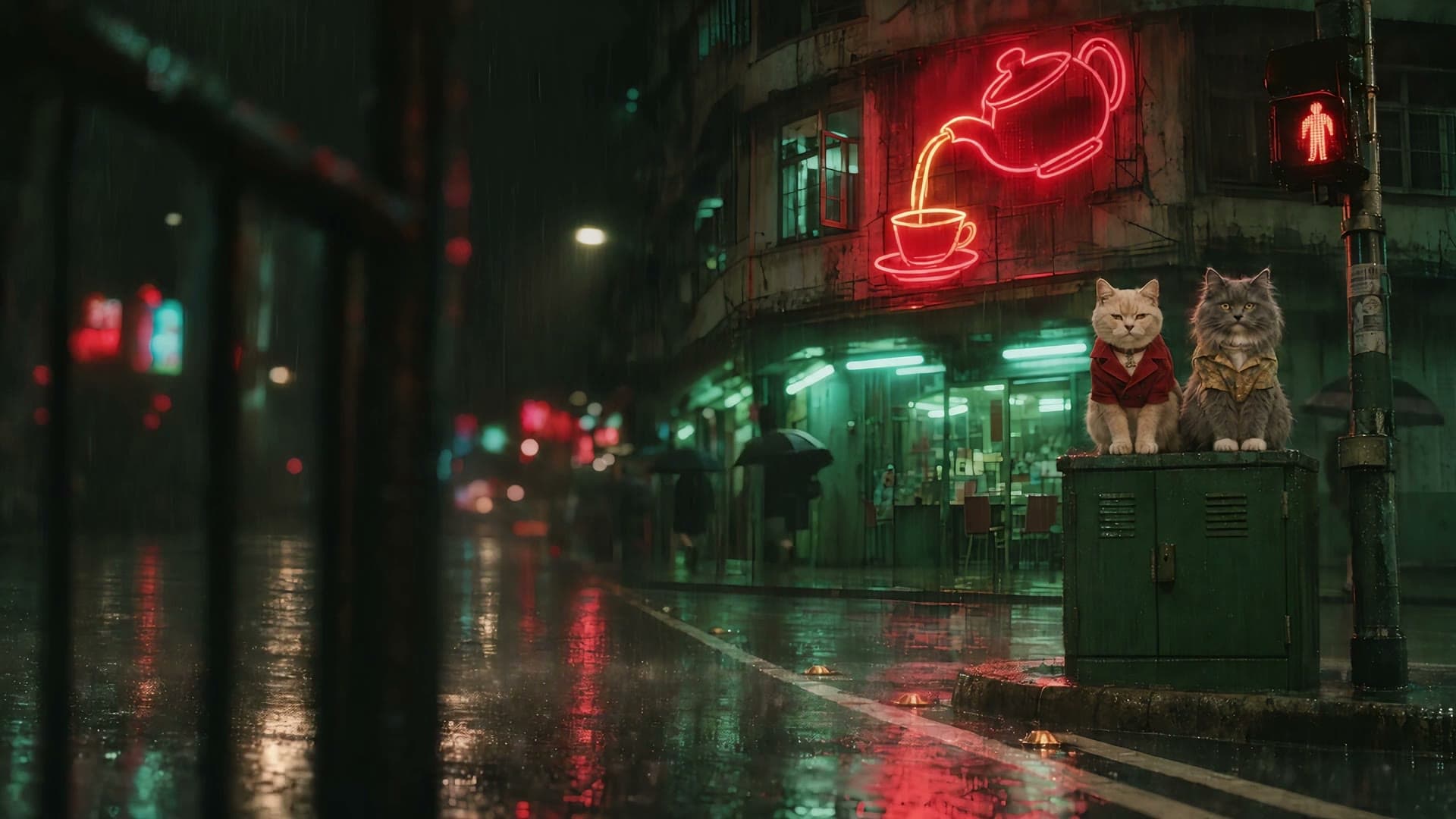
Made with Sumi Studio
Ads, short films, trailers and animated episodes, each taken from idea to final cut here.


Questions
Short answers before you start.
Can I use my own product photos?
Yes. Upload a product photo and use it as the reference for scenes, ads and videos.
Will the product stay accurate?
The product photo is the reference for each generation, so shape, color and label carry through. Check each result and rerun any that drift.
Which formats can I export?
Images for listings and ads, and video in landscape or vertical for the platform you sell on.
How is it priced?
Sumi Studio bills in credits, and the credit cost is shown before every generation. Plans and credit packs are on the pricing page.