
Instant
One-prompt video, image and audio
Instant gives video, image, audio and motion a page each. Describe what you want, see the credit cost and generate: no project to create, no canvas to arrange.



One screen from prompt to result
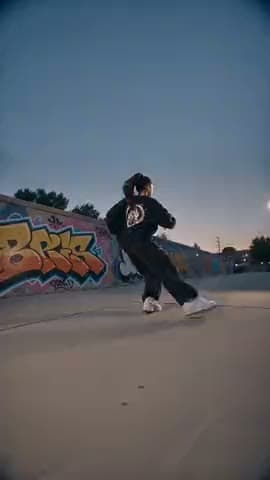
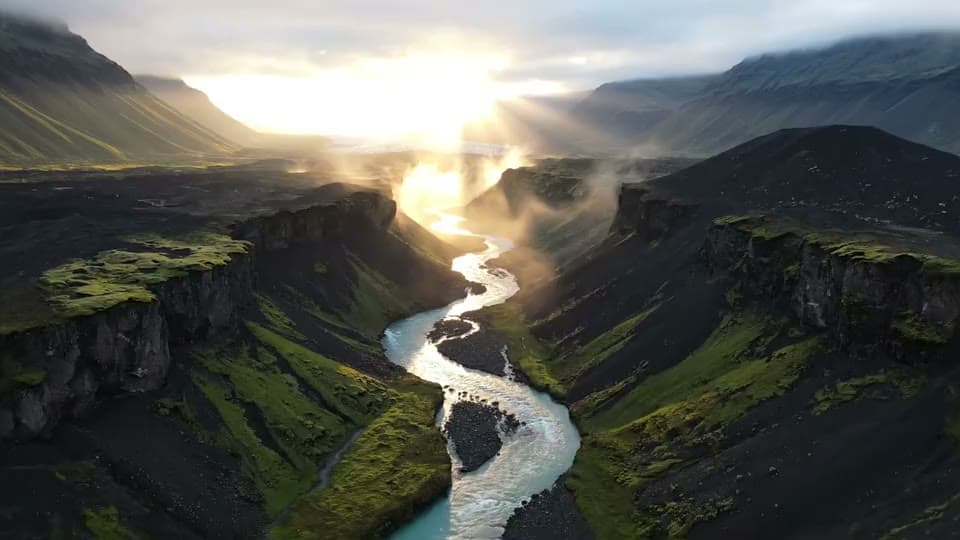
An Instant page holds the prompt, the model with its settings, and your results. Use it when a single output is all you need.
When the canvas is the better tool
A film or a campaign is many outputs that have to match: the same character, product or style in every shot. Build that on the canvas, where each step is a node you can connect and rerun.
See the canvasPrompt
Describe what you want, or add a reference image to start from.
Model
Pick a model and its settings. The estimated credits appear on the Generate button.
Result
It lands in History, where you can download it, share it or open it in a canvas.
Why use Instant
Nothing to set up
No project to create and no canvas to arrange. Open the page, describe what you want and generate.
The cost comes first
The estimated credits sit on the Generate button before you press it.
Start from your own image
Add a reference image: Instant Video can animate it, and Instant Image uses it as the starting point.
Results stay in History
Every result is kept on the History tab of the page that made it.
Take a result to the canvas
Open any result in a new canvas and keep building on it, or download and share it.



Three steps to a result
Pick a medium
Video, image, audio or motion. Each one has its own page.
Describe it and pick a model
Write the prompt, add a reference image if you have one, then choose the model and settings.
Generate
Check the credit estimate and press Generate. The result appears in History.

Four tools, one for each medium
Each card opens that page in the app.
Instant Video
Swap a character in a video you upload, describe a shot, or animate an image. Lip sync is here too.
Instant Image
Describe an image or start from a reference, then set the aspect ratio and resolution.
Instant Audio
Type a line and pick a voice to speak it, or describe the music you want.
Instant Motion
Add a character image and a motion video. The character performs the motion.



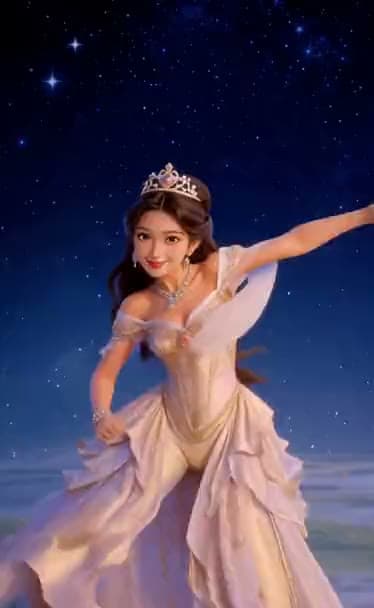
Type one prompt and see what comes back.
Open InstantQuestions
Short answers before you start.
Do I need a project or a canvas to use Instant?
No. Each Instant page works on its own. You can open one and look around without an account. Sign in to see the credit estimate and generate.
What does a generation cost?
Credits. Once you are signed in, the estimate sits on the Generate button before you press it, and it changes with the model and settings you pick. Plans and credit packs are on the pricing page.
Where do my results go?
They stay in the History tab of the page that made them. From there you can download a result, share it, or open it in a new canvas.
When should I use the canvas instead?
When the work is more than one output: several shots with the same character, a product ad with many scenes, anything you will rerun step by step. A result made in Instant can be opened in a canvas at any time.