

Product
Cut it where you made it
Smart Cut is the multi-track timeline inside Sumi Studio. Stitch your shots, add captions, voiceover and music, and export without moving files to another editor.
Made with Sumi Studio



A finishing room next to the canvas
Shots arrive from the canvas
Send generated clips straight to the timeline. There is nothing to download and import again.
Multi-track editing
Stitch and layer video, images and audio on separate tracks, with transitions between shots.
Captions and voiceover
Add subtitles and a voiceover on the timeline, then adjust the wording and timing by hand.
Music and sound
Bring in music and voices from your asset library, or generate them, and place them under the picture.
Landscape or vertical
Export in the aspect ratio the platform needs, to your computer or back onto the canvas.
Sumi can cut too
Ask Sumi for a rough cut or a change to the edit, then take the timeline from there.





From shots to a file
Line up the shots
Open the cut from the canvas and put the clips in order.
Add sound and words
Lay in music, voiceover and captions, and trim each shot to fit.
Export
Pick landscape or vertical and export the finished film.
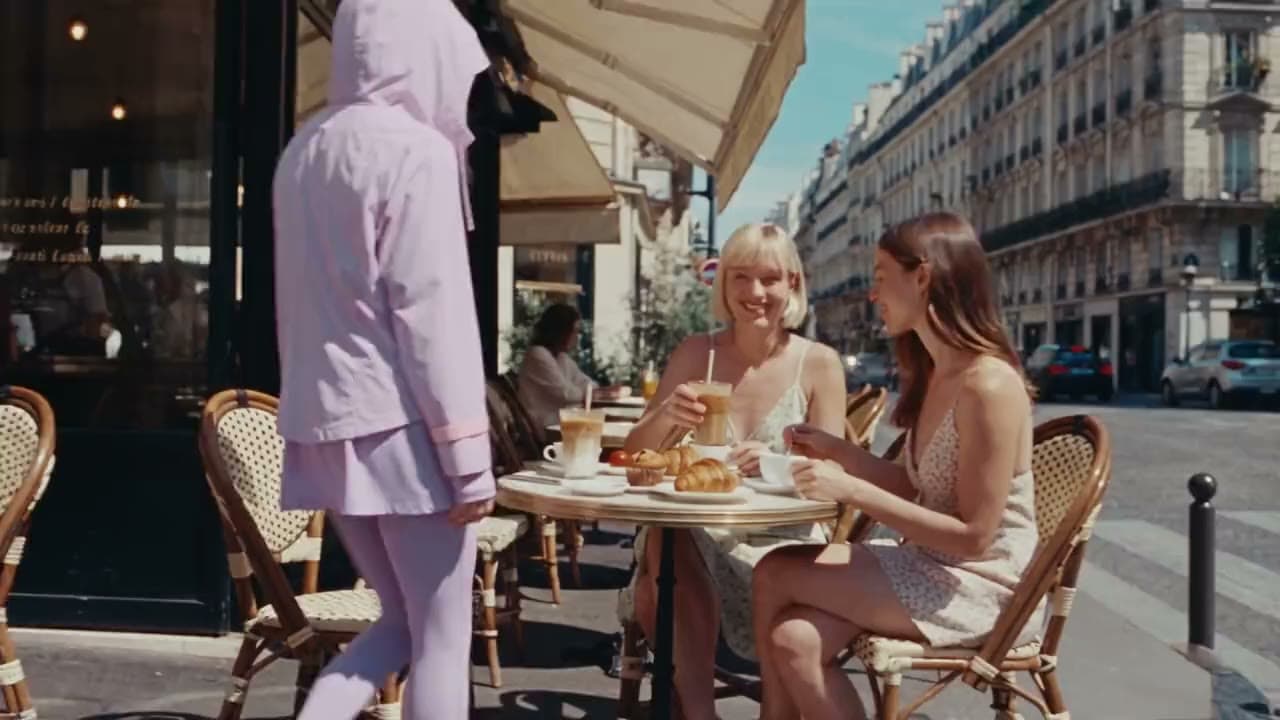

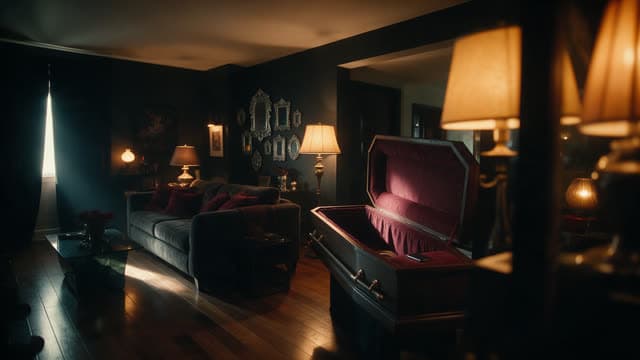
Made with Sumi Studio
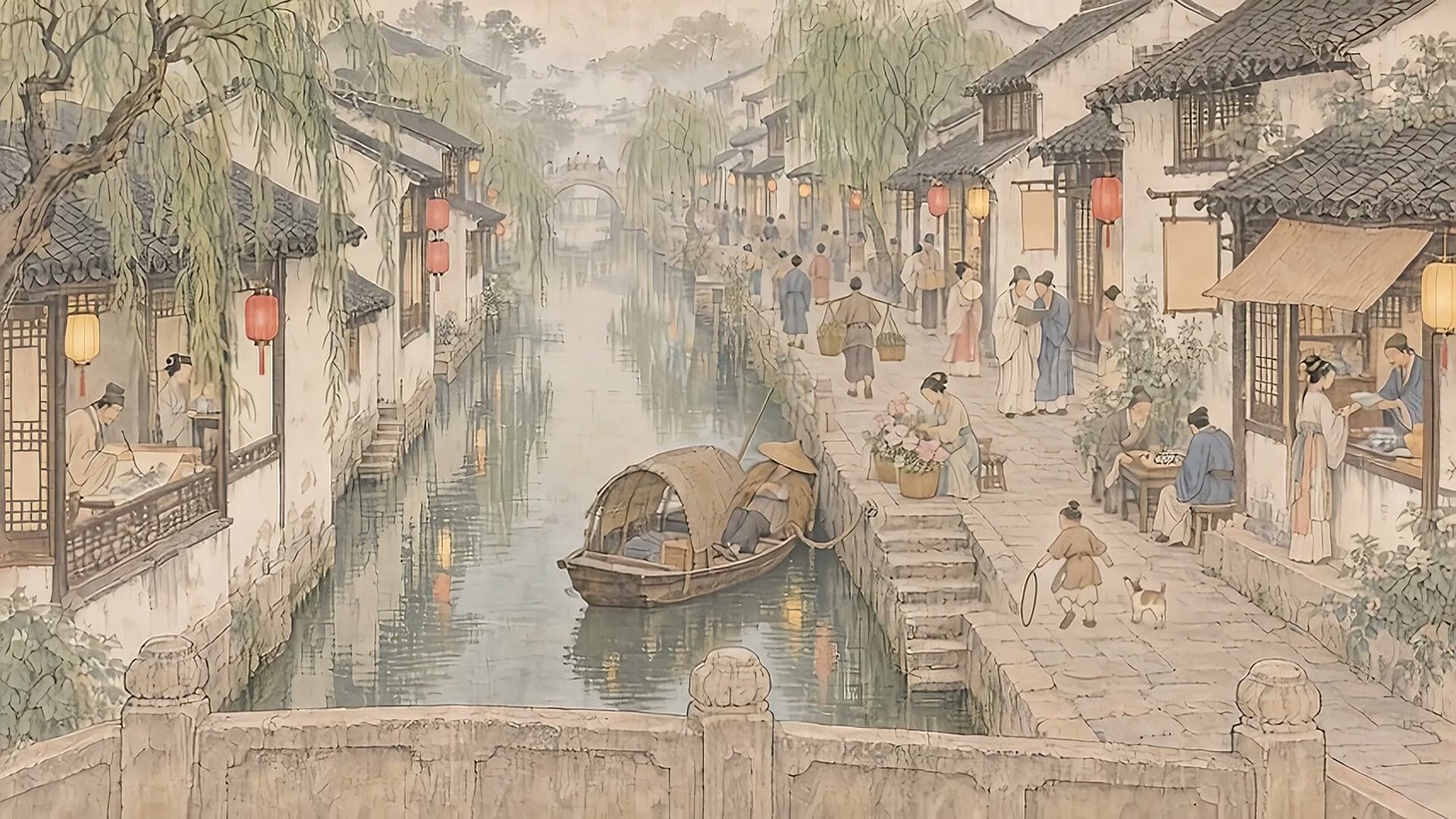
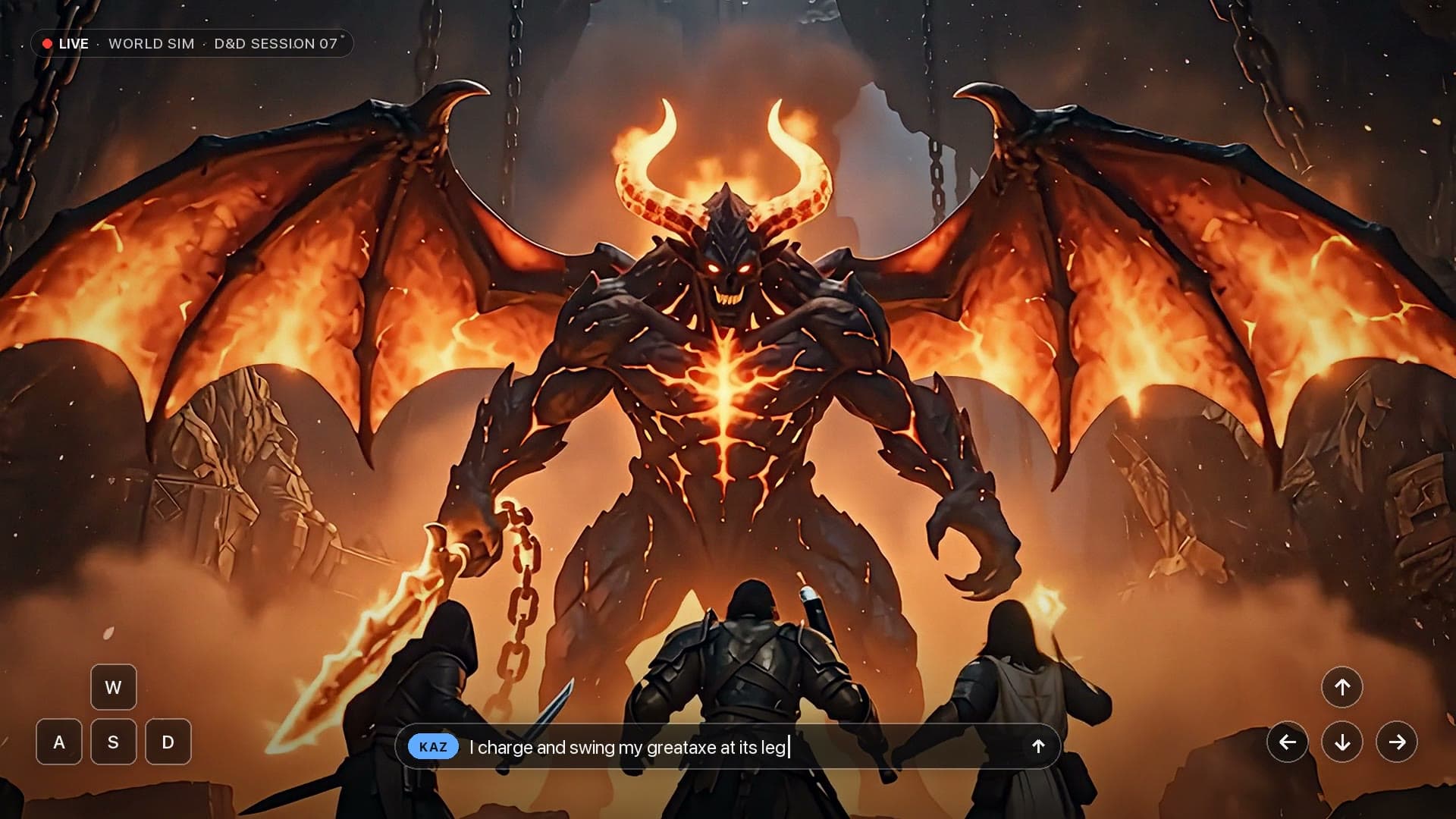
Ads, short films, trailers and animated episodes, each taken from idea to final cut here.




Questions
Short answers before you start.
Do I need another editor?
Not for a finished short. Smart Cut handles stitching, layering, captions, transitions and export. You can still download your files and finish them elsewhere.
Does editing cost credits?
Cutting, trimming and arranging on the timeline are free. A step that uses an AI model, such as generating a voiceover, shows its credit cost first.
Can I edit footage I shot myself?
Yes. Upload your own video, images and audio to the asset library and use them on the timeline next to generated shots.